
SlideShare Downloader Not Working — Troubleshooting Guide
Steps
- 1Read the exact error message — do not guess from a generic failure.
- 2Find that error below and follow its fix, in order.

- 3Paste a fresh link copied from a presentation page (not search, not profile) and try once more.
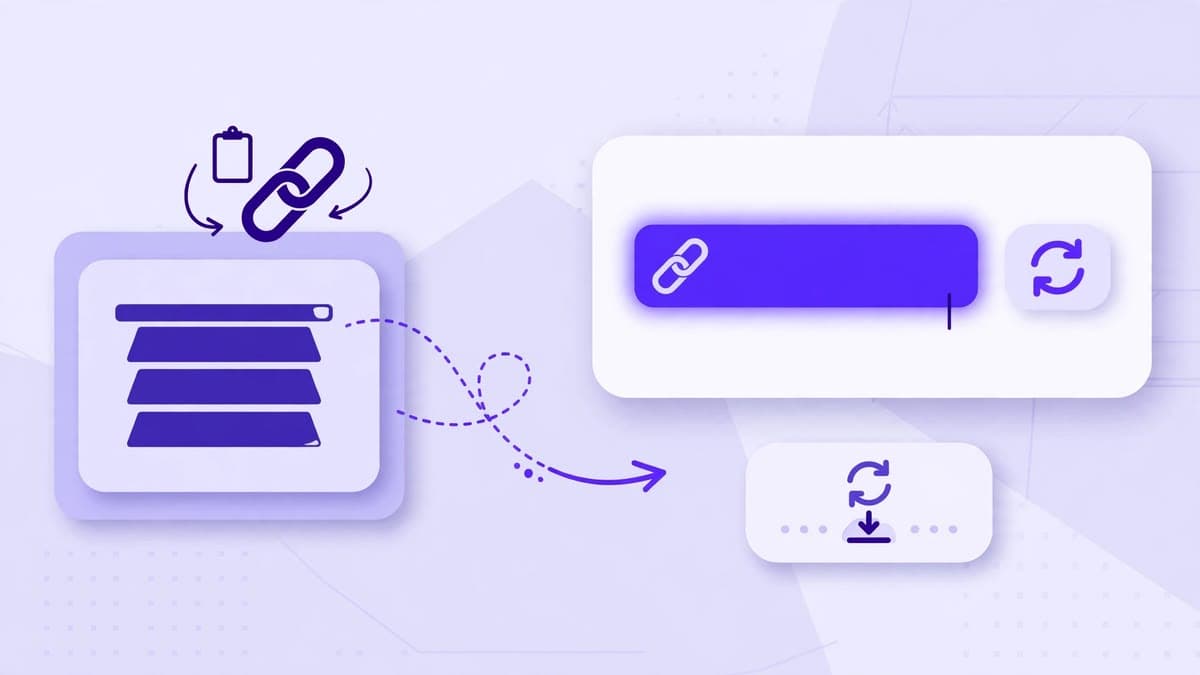
'This is a search page, not a presentation'
You copied a link from a SlideShare search results screen. Fix: open one presentation from those results, wait for its own page to load, and copy the address-bar link from that page. The correct link contains /slideshow/ followed by the deck name and id.
'This is a profile page, not a presentation'
You copied a link to a user's profile, not to a deck. Fix: from the profile, click one presentation to open it, then copy its page link. A profile link has no /slideshow/ segment and no deck id.
'This presentation is private, restricted, or not available'
The deck itself cannot be downloaded by any tool that respects SlideShare's restrictions. There is no legitimate workaround: do not try a different downloader to bypass it, and do not paste a login cookie or password anywhere. If the deck should be public, ask its author to change its visibility, then try again.
Try the downloader now
No login, no signup. Paste a public SlideShare link on the home page and download it as PDF or PPTX.
Go to the downloaderQuestions
Frequently asked questions
Most often it is a search or profile link, not a presentation link. Open the presentation itself and copy its address-bar link, which contains /slideshow/.