
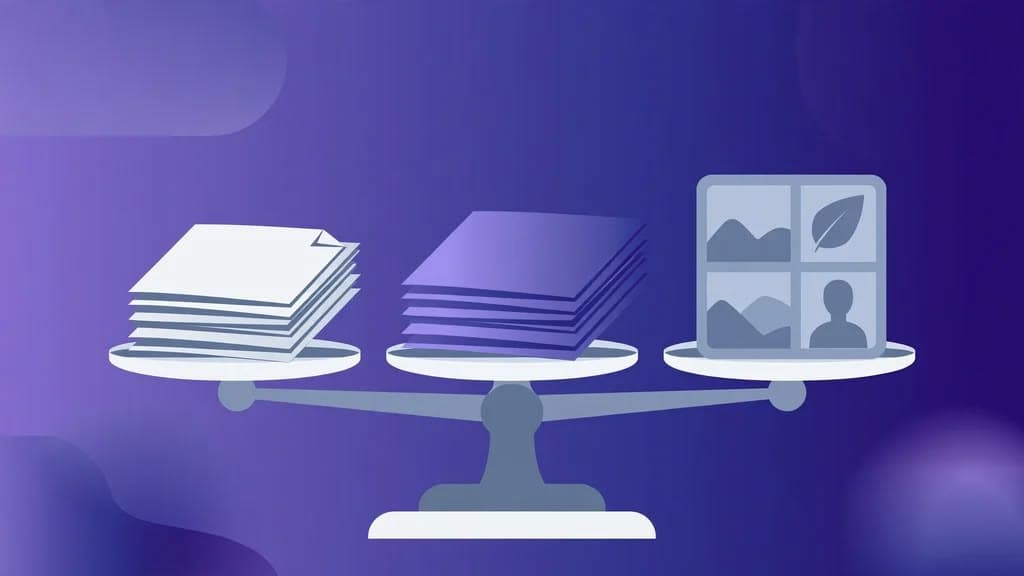
PDF vs PPTX vs Images — Which Format to Choose?
Comparison table
PDF (compressed)
Reading, sharing, printing

- File
- Small, fast to download
- Cap
- 20 slide images
- Editable?
- No — one readable document
PDF — Large (JPEG)
Competitor-like large PDF

- File
- Large — JPEG quality 100, same pixels
- Cap
- 20 slide images
- Editable?
- No — one readable document
PPTX
Presenting, rearranging slides

- File
- Medium — images embedded
- Cap
- 30 slides + title slide
- Editable?
- Slides are pictures — text not editable
HD Images ZIP
Reusing single slides

- File
- ZIP of slide-01, slide-02, …
- Cap
- 50 slide images
- Editable?
- Images only — no document
How to decide in 10 seconds
Ask what you will do next:
Read it or send it to someone?
Take the PDF.
Present it myself?
Take the PPTX — remembering its slides are pictures.
Use one slide somewhere else?
Take the images ZIP.
Want a big, less-compressed PDF like other sites?
Take the Large JPEG PDF — knowing it adds file size, not detail.
All four outputs come from the same public deck, at the largest image size SlideShare serves for that deck, up to 2048 pixels wide where available. None of them upscales a smaller image, none of them works on a private deck, and none of them transfers copyright — credit the original author if you reuse slides.
Try the downloader now
No login, no signup. Paste a public SlideShare link on the home page and download it in the format you just chose.
Go to the downloaderQuestions
Frequently asked questions
Choose PDF for reading, sharing, and printing exactly as the deck looks. Choose PPTX when you want to present or rearrange the deck in PowerPoint — remembering its slides are pictures, so the text on them is not editable.