SlideShare Downloader Without Login — No Account Needed
Steps
- 1Open the home page — you will not be asked to sign in.
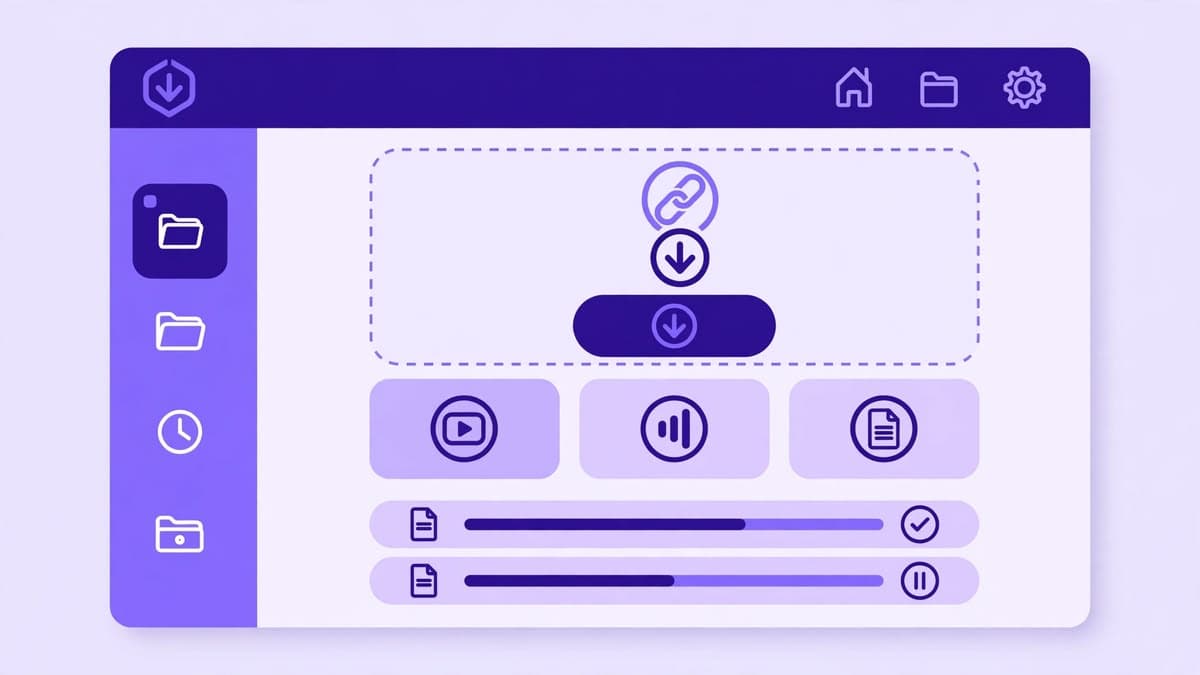
- 2Paste a public SlideShare presentation link and press Download.
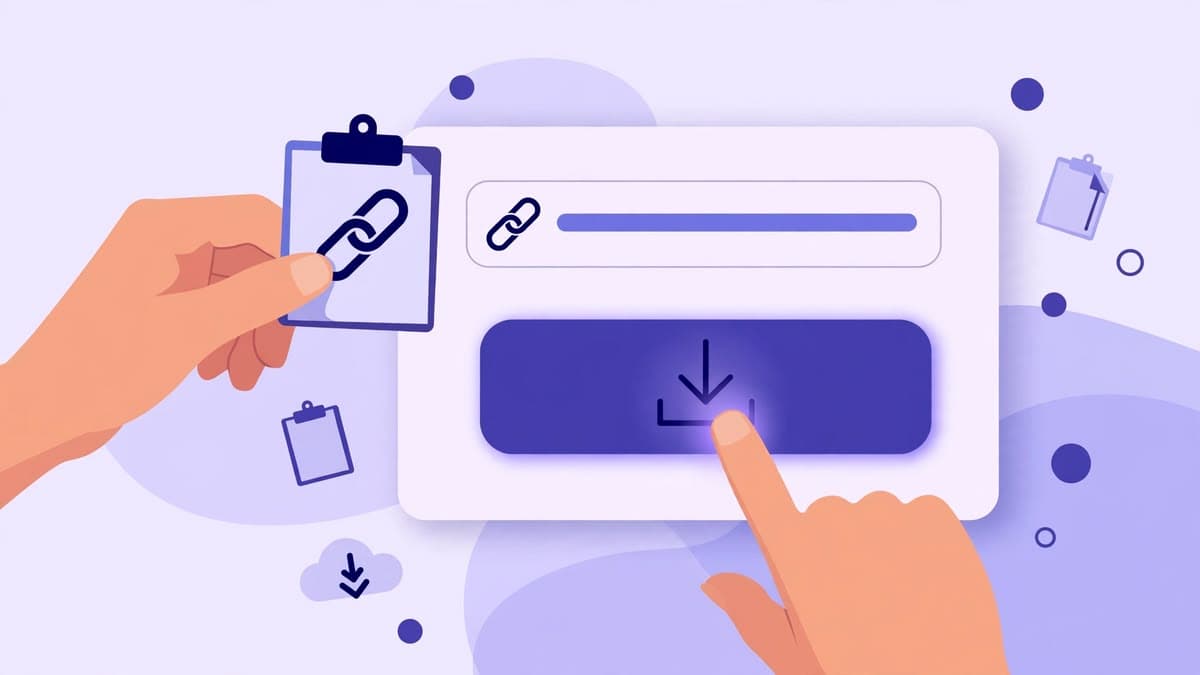
- 3Preview the deck and choose PDF or PPTX. That is the whole flow.
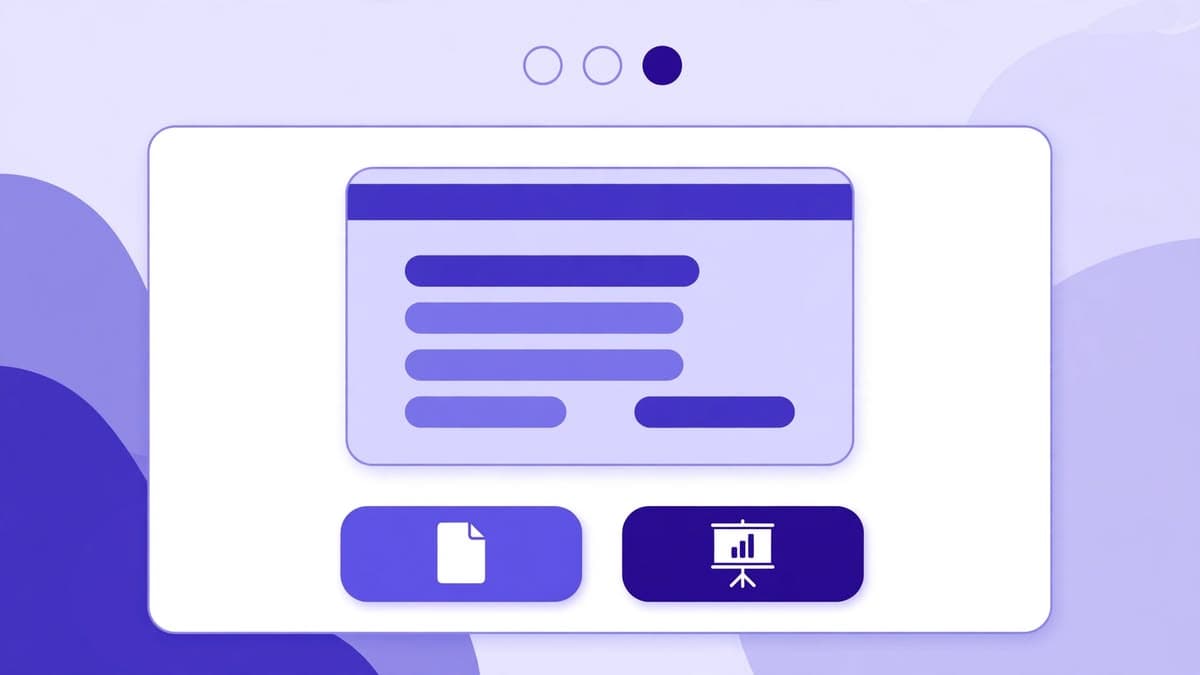
What 'without login' actually means here
It means there is no user account system at all: no stored profile, no saved download history on a server, and no email list. Each visit is independent. Closing the tab ends the session, and nothing about your downloads is kept for a future login — because there is no login to return to.
It does not mean the tool can download private decks. A public deck is one anyone can already open on SlideShare. A private deck stays private, account or not, and this tool does not bypass that.
Why no login is better for this kind of tool
A downloader is a one-off task: you have a link, you want a file. Forcing an account adds friction, collects personal data for no reason, and creates a password you will forget. Skipping accounts keeps the tool fast, keeps your data out of a database, and keeps the focus on the download itself.
The trade-off is honest: without an account, there is no saved history to revisit later. If you need a file again, keep the downloaded file or paste the same SlideShare link again.
Beware of sites that demand login for the same job
If another downloader demands an account, an email, or a subscription before showing a preview, treat that as a warning sign. A legitimate public-deck download does not need your identity. Never enter a SlideShare password into a third-party downloader — this site will never ask for one.
Try the downloader now
No login, no signup. Paste a public SlideShare link on the home page and download it as PDF or PPTX.
Go to the downloaderQuestions
Frequently asked questions
Correct. There is no login, signup, or account system on this site at all.