
Independent tool, not affiliated
This site is not affiliated with, endorsed by, or sponsored by SlideShare or LinkedIn, and it does not host any presentation files. All rights in a downloaded presentation belong to its original author. See the disclaimer for the full statement.
A useful presentation on SlideShare is easy to find and hard to keep. You may want to read it on a train, print it, or open it in a meeting where there is no reliable connection. The official route to an offline copy is not always available, and it can require an account. This tool fills that one gap: for a deck that is already public, it turns the public page into a file you can keep on your own device.
It does nothing else. There is no feed to browse, no account to manage, and no library to maintain. You come with one link, you leave with one file, and the next visit starts fresh.


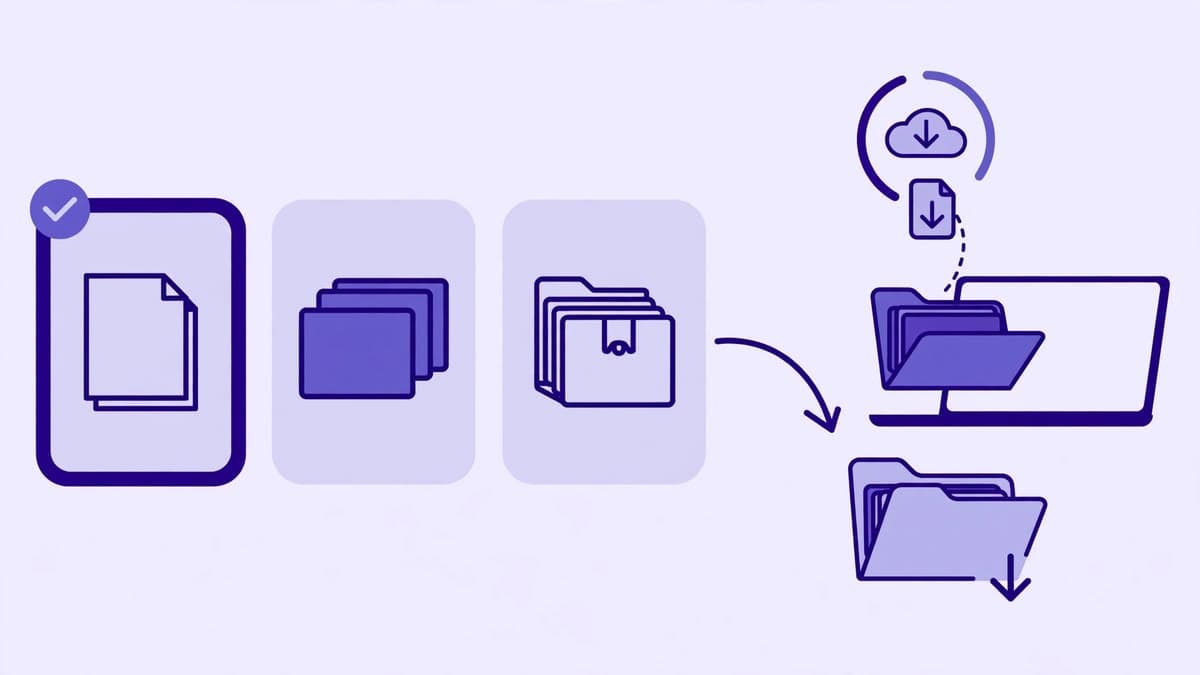
Every format is built from the same public deck, but each has a real cap. The caps exist because a very large deck takes longer to fetch and assemble, and because a file that is too large is hard to open on a phone.
Slide cap per format
Max 50 slidesPDF (compressed)
Best for: Reading, sharing, and printing
Limit: Up to 20 slide images per PDF
PDF — Large (JPEG)
Best for: A larger, less compressed PDF file
Limit: Up to 20 slide images; same pixels, less compression
PPTX
Best for: Opening the deck in PowerPoint
Limit: Up to 30 slides; slides are pictures, text is not editable
HD Images ZIP
Best for: Using individual slides as images
Limit: Up to 50 slides, at the largest size SlideShare serves
Image quality is the largest size SlideShare serves for that deck, up to 2048 pixels wide. Images are never upscaled, so a deck whose largest served size is smaller will stay smaller — a larger file does not add detail that the source does not contain. The Large JPEG PDF is larger only because JPEG at maximum quality compresses far less than WebP; its pixels are the same as the compressed PDF.
Save a public lecture deck or study presentation for offline revision, so it can be read without an internet connection.
Keep a public deck on hand for a lesson or classroom session, and print selected slides as handouts from the PDF.
Archive a public reference deck alongside notes, and return to a specific slide later without searching for the link again.
Carry a public business or conference deck into a meeting, or review it offline before presenting related work.
Study how a public deck is structured and presented, and keep examples for inspiration — while crediting the original author if anything is quoted or reused.
SlideShare may change its pages or block fetching at any time, which can make a download fail even for a deck that worked before. The troubleshooting guide explains the common causes.
The site is built with Next.js, TypeScript, Tailwind CSS, shadcn-style components, and framer-motion animations. The download flow runs through a server API route that fetches only public pages, and slide images are fetched through a server proxy so the browser is not blocked by the image host. The file itself is generated in your browser. There is no account system and no download history is kept on this site.